Developments in workplace technology
Alongside Philip Ross and the team at UnWork, we’ve pulled together a list of developments in workplace technology that you should be keeping an eye on.
 Patrick Schneider
It seems now, more than ever before, we need to rely on technology to complete our work. We also lean on workplace technology to understand how we’re working, reduce unnecessary costs, gain access to our places of work and, most importantly, to collaborate with colleagues around the world and more topically, around the corner.
Here, Philip Ross, CEO of UnWork and Cordless Consultants tells us where we’re heading and what we’re going to need in order to stay ahead of the fast-moving technological curve.
Artificial Intelligence
Many people are worried about AI coming into the workplace. The truth is, AI is already in the workplace, but has not yet achieved its full potential. AI refers to a set of machine learning techniques that can use inputs from their environment to direct their resources towards achieving a certain goal. Where AI differs from traditional computers is that it can learn for itself and manage a diverse range of tasks – and can achieve all of this independently of human direction. Most applications of AI in the workplace are used to streamline processes that are time consuming for humans. Today, organisations are utilising AI to analyse job applications and the video interviews of candidates, to process thousands of payments to detect fraud, and spot patterns in data to predict technical faults in things like elevators, limiting downtime.
Patrick Schneider
Augmented and Virtual Reality
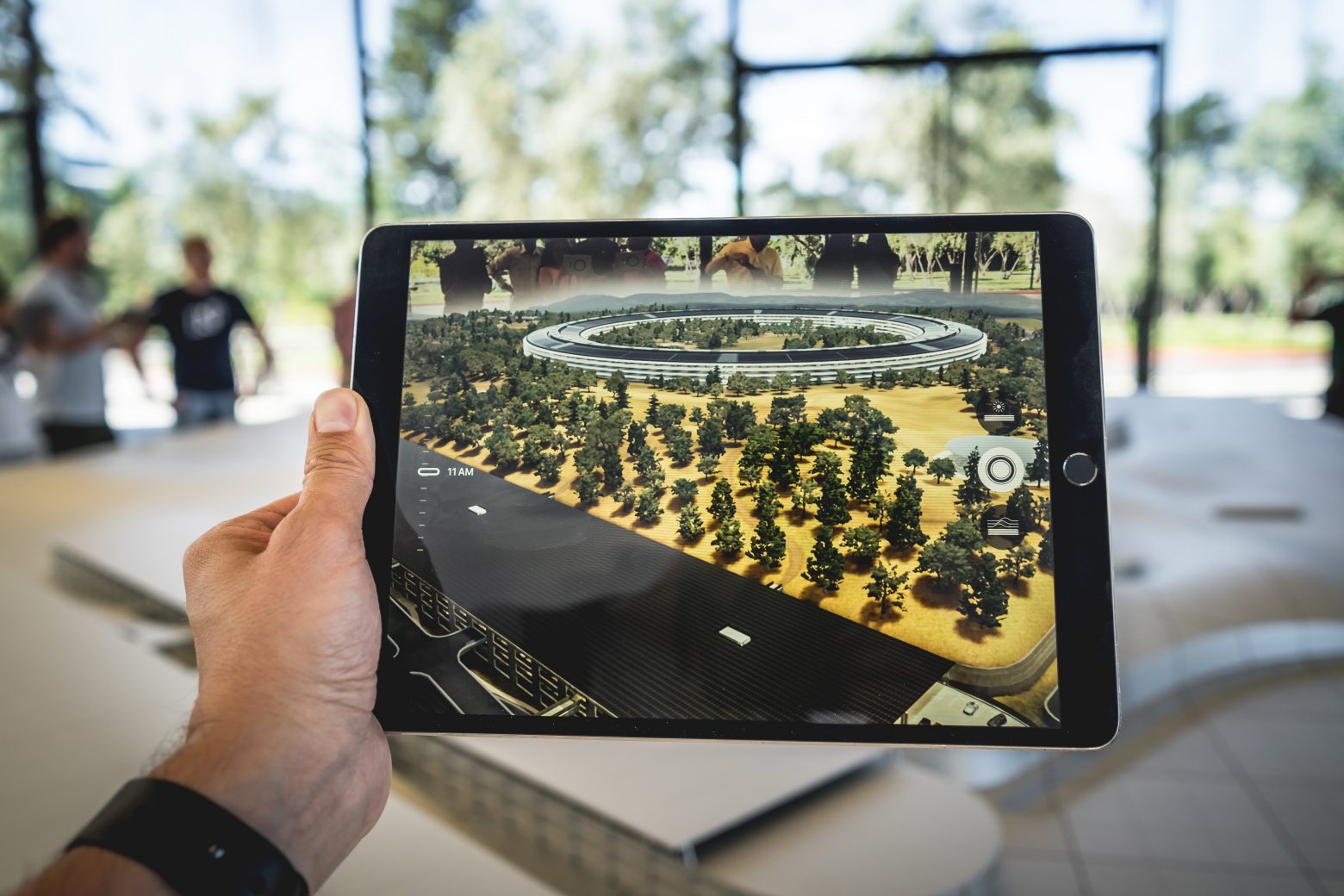
Virtual Reality (VR) is a system of immersive simulation of experience that tends to engage the user in the generated reality at the expense of their normal perception of reality. This means that users are totally engaged with the simulation and typically unaware of things occurring outside it. This is normally achieved using headsets and tactile controls that replace audio and visual inputs, and then records feedback. Augmented Reality (AR) is similar to VR, although reality is overlaid with the simulation so that both are still visible. AR is used to present digital information that enhances and adds to the experience of the user.
As the way in which we interact with the digital world changes, so too will the ways we interact with the physical world. These kinds of changes will be built into the fabric of the workplace of the future, as they help to determine exactly what we need a building for. As real estate prices continue to rise, less and less work needs a physical office. VR has the potential to make all offices predominantly, or in some instances completely, virtual (think: unlimited virtual display space, programmes, notes, etc. – these can all be displayed within VR or AR glasses). Unlimited virtual space means less physical space is required, freeing up additional space for when people do need to come together and collaborate in person.
Sensors
Data is the lifeblood of any smart structure in the workplace and there is none so powerful as real-time occupancy and utilisation. UnWork research has shown that, on average, office space is underutilised by over 40%, translating to a cost of roughly £4,000 per employee, per year. Despite this, costs are not the only reason to consider utilisation technology. Understanding and managing facility space is about more than square footage or the number of conference rooms. Visibility into the modern workplace means knowing what types of spaces there are and how often they are used, and what types of employees are using which space. Providing an environment that complements the agile workforce and enhances productivity by better promoting collaboration hinges on the availability of live, accessible data about worksetting availability; the productivity gains through increased space efficiency are an even more powerful outcome than the considerable cost savings on real estate.
Many workplace occupancy sensor providers offer their service as a simple plug and play solution that operates separately from the corporate network. The more advanced solutions use imaging sensors to accurately count the number of people in each space, others monitor environmental factors such as noise levels, temperature and CO2.
Recommendations
PointGrab, bGrid
Biometrics
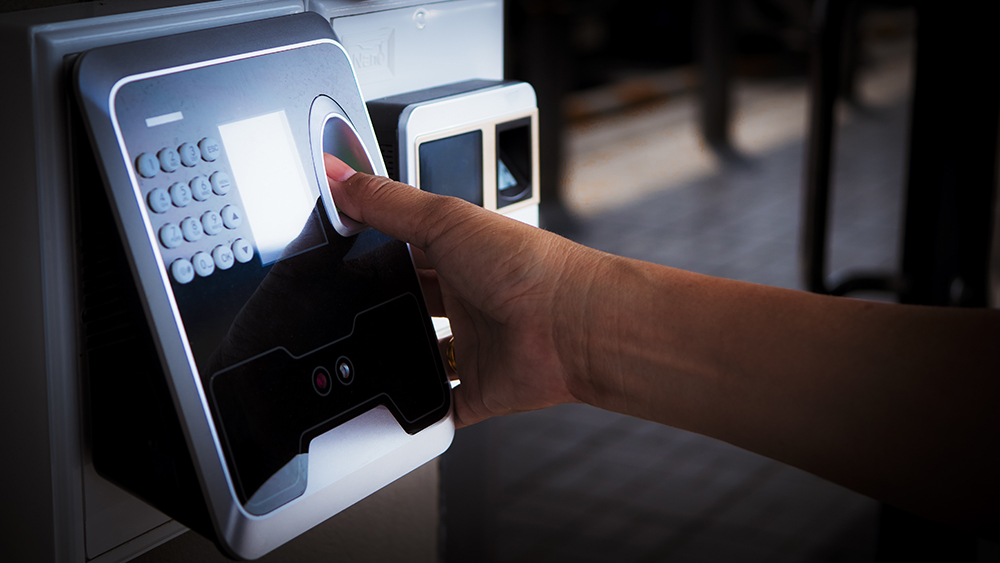
Biometrics is the measurement of unique biological markers, namely on our fingertips and faces, that can be used to identify us. We are already becoming more comfortable about the use of biometrics, with many of us already using our faces to unlock our phones. One of the most prominent use cases for biometrics in the workplace is for access control, as dated physical passwords and key cards have measurable costs and disadvantages – they can be easily forgotten, lost or stolen. With differing laws and regulations around the use of biometric data in different areas of the world, the best biometrics strategy is one that, much like IPS, requires an opt-in. To ensure uptake from staff, facial biometrics should unlock a number of useful services; seamless access, ‘follow me’ printing and catering/workplace preferences being some of the most in-demand.ω
Recommendations
Ayonix
Internal Position Systems
Where occupancy sensors monitor bodies rather than identifiable people, an Internal Position System (IPS) unlocks a multitude of services by providing sub-meter accuracy for in-building locations of individuals through their mobile phones. Previously, the technology relied on the extensive deployment of infrastructure through beacons or Wi-Fi Access Points, but new innovation is utilising in-built sensors in smartphones to provide an entirely hardware-free solution that allows employees to ‘opt-in’ to a number of location-based services. By tapping into inertial sensors (accelerometers and gyroscopes) within smartphones and processing the data in a unique new way, software-only location platforms are providing hyper-accurate and continuous location services indoors, outdoors and underground, without the use of any external hardware.
For the modern, agile office, the applications of indoor positioning are particularly far-reaching. Relevant contextual messages can be sent to occupants in certain areas of the building regarding anything from corporate gatherings to maintenance issues, while office navigation can guide users to colleagues, facilities and meeting rooms across floors of the building or around the local area.
Recommendations
Navisens, Oriient